
How AI Tools Are Changing the Way We Work in 2026
If you keep reading that AI is “changing work” but can’t point to what has actually changed on a normal Tuesday, you’re not alone. Most headlines talk about big shifts. Most people just want to know whether any of it affects their inbox, their meetings, or their deadlines.
So let’s keep this practical. Below is a plain look at where AI tools are really making a difference in everyday work in 2026, where they still fall short, and how a beginner can start without wasting money or time.
The biggest change: AI moved into the apps people already use
A few years ago, using AI meant opening a separate website, pasting in some text, and copying the result back. Today, much of it sits inside tools people already have open. Canva can generate an editable design from a short description. Notion AI can summarize or tidy up notes right inside your notes. Grammarly checks tone and clarity as you type in your email or browser.
This matters because it removes the friction. You don’t need to learn a new system. You click a button inside something familiar, review what comes back, and keep going. For most beginners, that is the real shift: AI is less a destination and more a feature.
Writing and communication
Writing is where most people meet AI first. Chatbots like ChatGPT and Claude work like this: you type a request in plain language, such as “write a polite email asking a client for a delayed payment,” and the tool produces a draft in seconds. You read it, adjust the details, and send it.
Grammarly works differently. It doesn’t write for you from scratch. It reads what you have already written and flags grammar, clarity, and tone problems, so a message that sounds sharper than you intended can be softened before you hit send.
The honest limit here is accuracy. Chatbots can state wrong facts with complete confidence, and they can produce text that sounds generic. A draft is a starting point. You are still the one who checks names, numbers, and claims.
Meetings and notes
Meetings are one of the clearest time-savers. Otter.ai joins calls on platforms like Zoom, Google Meet, and Microsoft Teams, transcribes the conversation as it happens, and produces an automatic summary afterward. Instead of writing notes while trying to listen, you can pay attention and read the summary later.
There are limits. Transcription accuracy can drop when speakers have heavy accents, when people talk over each other, or when the audio is poor. The free plan also has limited minutes. For important decisions, check the summary against what was actually said before sending it to anyone.
Research and learning
Research has changed in a quiet but useful way. Perplexity AI answers a question directly and shows the sources it used, so you can click through and verify. That is different from a traditional search, where you get a list of links and do the reading yourself.
For long material, Claude is often used for working through lengthy documents. You can upload a long report and ask for the main points or for answers to specific questions about it.
Both tools can still misread a source or miss context. The citations are helpful because they let you check, but only if you actually check. Treat the answer as a fast first pass, not the final word.
Visuals, video, and audio
Creative work used to need either skills or a budget. AI tools have lowered that bar. Midjourney turns a text description into images, giving you four options per prompt, which you can refine. Canva lets non-designers produce clean graphics from templates.
For video, CapCut can add captions automatically, remove backgrounds, and trim silences, which cuts a lot of repetitive editing for short videos. FlexClip AI Recap Generator takes a longer video and turns it into a short narrated recap, which is useful for review and recap content, though you get less creative control. ElevenLabs converts written text into realistic spoken audio, which helps with voiceovers when you don’t want to record yourself.
These tools save time, but they rarely replace taste. The output often needs a human eye for style, brand fit, and quality, and some features, like commercial use of generated voices, depend on the plan you choose.
Coding
For people who write code, GitHub Copilot suggests lines or blocks of code as you type inside your editor. It is useful for repetitive patterns and boilerplate. It can also suggest code that is wrong or insecure, so every suggestion needs review. It speeds up a developer. It does not replace one.
What has not changed
Even with all of this, some things remain firmly human. Deciding what matters, understanding your customer, making judgment calls, and taking responsibility for the final result are still your job. AI tools are good at producing a first version quickly. They are not good at knowing what your situation really needs.
Another thing that hasn’t changed: more tools do not automatically mean better work. Picking one or two that fit a task you do every week is almost always better than signing up for ten.
A note for readers in Africa
For many readers in Nigeria and across Africa, the practical questions are slightly different. Data costs matter, so tools that work well on lighter use are worth favoring. Free tiers matter too, because a monthly subscription in dollars is a bigger decision when exchange rates move. Accent handling matters for transcription tools. And some platforms may not yet work as smoothly with local names, languages, and context.
None of this means these tools aren’t useful here. It means testing a free plan on a real task before paying for anything is especially sensible.
How to start without getting overwhelmed
Here is a simple way to begin.
1. Pick one task you repeat every week, such as writing emails, summarizing meetings, or creating social graphics.
2. Choose one tool that fits that task and start with its free plan.
3. Use it for a week and compare the time it took with how long the task normally takes.
4. Always review the output before it goes out under your name.
5. Only then decide whether it is worth paying for or whether a second tool would help.
That small experiment tells you more than any list of “must-have” tools ever could.
Full pricing and details for each tool mentioned here are on its page in the Trocavo directory.
Work in 2026 isn’t being replaced by AI so much as reshaped around it, one small task at a time. The people who benefit most are usually not the ones using the most tools, but the ones who picked a few, learned them well, and kept their own judgment in the loop. Start with one task this week, and let the results decide what comes next.

Advertisement
More Articles
View all
A Week in the Life With AI Tools Doing the Heavy Lifting
A sample work week showing where AI tools can take over repetitive tasks and where you still need to step in. This is an illustration based on how the tools work, not a personal diary.
The Best Free AI Tools You're Probably Not Using Yet
Beyond the obvious ChatGPT and Canva, there are some genuinely useful free AI tools that fly under the radar. Here are a few worth trying.
Free vs. Paid AI Tools: When Is It Worth Upgrading?
Free AI tools can take you far, but at some point upgrading starts to make sense. Here's how to know when that point actually is.
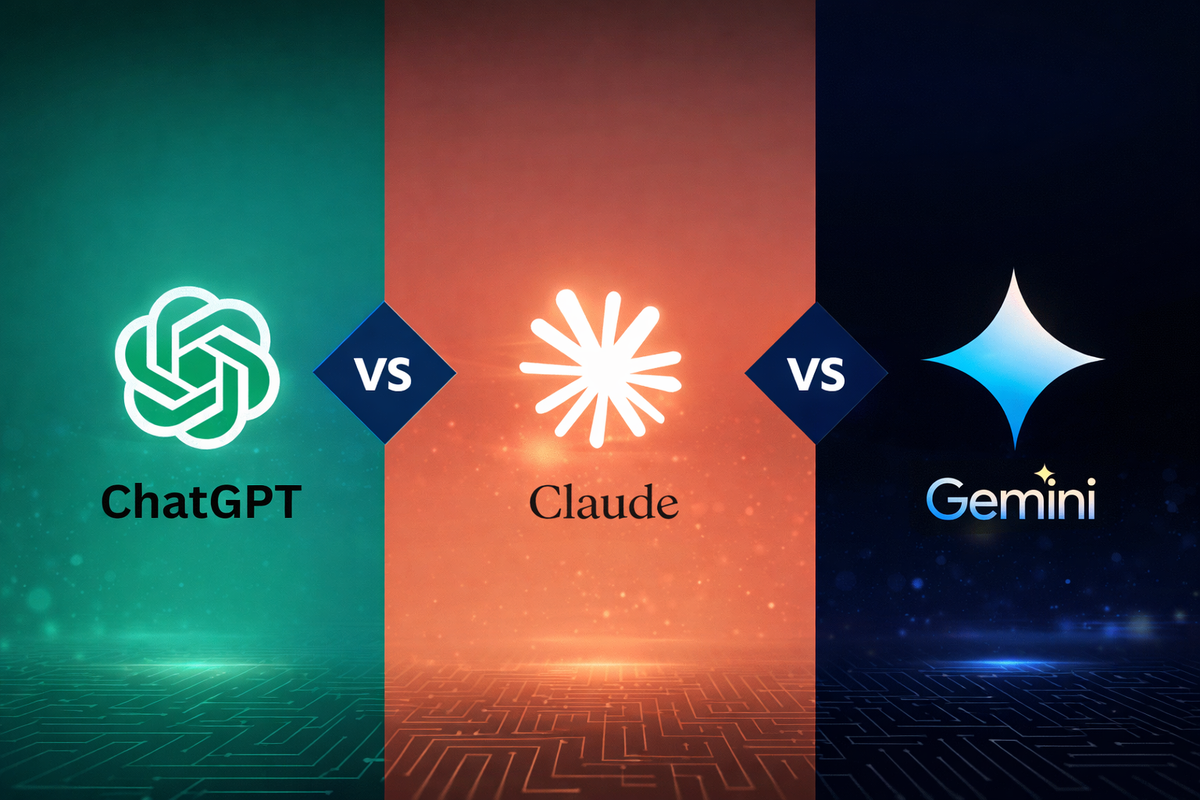
AI Writing Tools: ChatGPT vs. Claude vs. Gemini (Quick Comparison)
ChatGPT, Claude, and Gemini are the three most talked-about AI writing assistants. Here's a quick, practical comparison to help you pick one.

The Beginner's Guide to AI Writing Assistants
AI writing assistants can help with everything from emails to essays. Here's a simple guide to what they actually do and how to start using one well.

5 Signs You're Overpaying for AI Tools You Don't Need
AI tool subscriptions add up fast. Here are 5 signs it's time to audit your stack and cut what you're not actually using.