The Beginner's Guide to AI Writing Assistants
If you write anything regularly — emails, social posts, reports, articles — an AI writing assistant can genuinely save you time. But if you've never used one, it's easy to either expect too much from it or not know where to start. Here's a clear, practical guide.
What an AI writing assistant actually does
At its core, an AI writing assistant takes a prompt (a request, a rough draft, or an instruction) and generates or improves text based on it. This can mean several different things depending on the tool and what you need:
Generating text from scratch — you describe what you want ("write a follow-up email to a client who hasn't responded in a week"), and it produces a full draft for you to edit.
Improving existing text — you paste in something you've already written, and the tool rewrites it for clarity, tone, grammar, or length.
Summarizing — you feed it a long document or article, and it condenses the key points into a short summary.
Brainstorming — you're stuck on how to start or what angle to take, and the tool generates several options or directions to consider.
The main types of AI writing tools
General-purpose assistants (like ChatGPT or Claude) can handle almost any writing task — emails, essays, scripts, social captions — through open conversation. You describe what you need in plain language, and they generate it.
Grammar and clarity checkers (like Grammarly) focus specifically on improving writing you've already drafted, catching errors and awkward phrasing rather than generating new content from scratch.
Specialized writing tools (like Jasper or Copy.ai) are built specifically for certain formats — marketing copy, ad headlines, product descriptions — often with templates designed for that specific use case.
How to actually get good results
The biggest mistake beginners make is giving vague, one-line prompts and expecting a polished result. "Write me an email" will get you something generic. "Write a short, friendly follow-up email to a client named Sarah about a project proposal she hasn't responded to in a week, keeping the tone professional but not pushy" will get you something far more usable.
A few practical tips:
Give context, not just instructions. Explain who the writing is for, what tone you want, and any specific details that should be included.
Treat the first result as a draft, not the final version. Ask the tool to adjust tone, shorten it, make it more formal, or rewrite a specific section — refining in steps usually works better than expecting perfection on the first try.
Edit before you use it. AI-generated writing can sound slightly generic or occasionally include inaccurate details. Always read through and personalize before sending or publishing anything important.
Use it for the blank page, not the final polish. Many writers find AI most useful for breaking through the "staring at a blank page" stage — getting something down that they can then shape into their own voice.
A simple way to start
If you've never used one, start small. Pick one recurring writing task — maybe it's a weekly email update, or captions for social posts — and try using an AI writing assistant for just that one task for a week. You'll quickly get a feel for how to prompt it well and where it actually saves you time, without the overwhelm of trying to use it for everything at once.
AI writing assistants aren't meant to replace your voice or judgment — they're meant to remove the friction of starting from nothing. Used well, they can turn a 30-minute writing task into a 10-minute one, leaving you more time to focus on the parts that actually need your personal touch.
More Articles
View all
The Best Free AI Tools You're Probably Not Using Yet
Beyond the obvious ChatGPT and Canva, there are some genuinely useful free AI tools that fly under the radar. Here are a few worth trying.
Free vs. Paid AI Tools: When Is It Worth Upgrading?
Free AI tools can take you far, but at some point upgrading starts to make sense. Here's how to know when that point actually is.
AI Writing Tools: ChatGPT vs. Claude vs. Gemini (Quick Comparison)
ChatGPT, Claude, and Gemini are the three most talked-about AI writing assistants. Here's a quick, practical comparison to help you pick one.

5 Signs You're Overpaying for AI Tools You Don't Need
AI tool subscriptions add up fast. Here are 5 signs it's time to audit your stack and cut what you're not actually using.
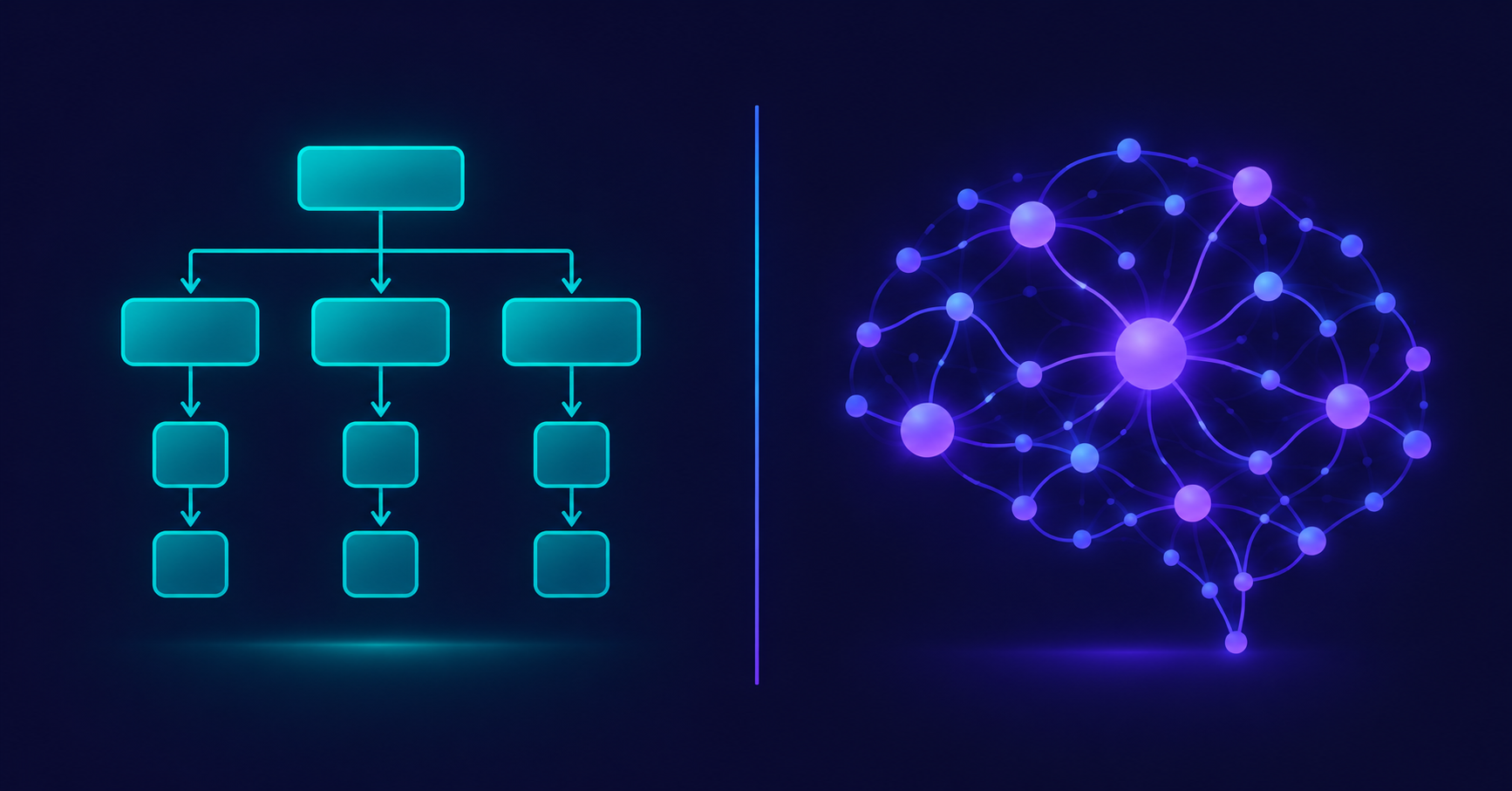
AI Tools vs. Traditional Software: What's Actually Different?
AI tools and traditional software both run on your screen, but they work in fundamentally different ways. Here's a clear comparison to help it finally click.

What Does "AI Tool" Actually Mean? A Simple Breakdown
"AI tool" gets thrown around a lot, but what does it actually mean? Here's a simple, no-jargon explanation of what makes a tool "AI," how it's different from regular software, and what that difference actually means for you.