AI Tools vs. Traditional Software: What's Actually Different?
At a glance, AI tools and traditional software can look pretty similar — you open an app, click around, and it does something useful. But underneath, they work in fundamentally different ways, and understanding that difference helps you know what to actually expect from each.
How they're built
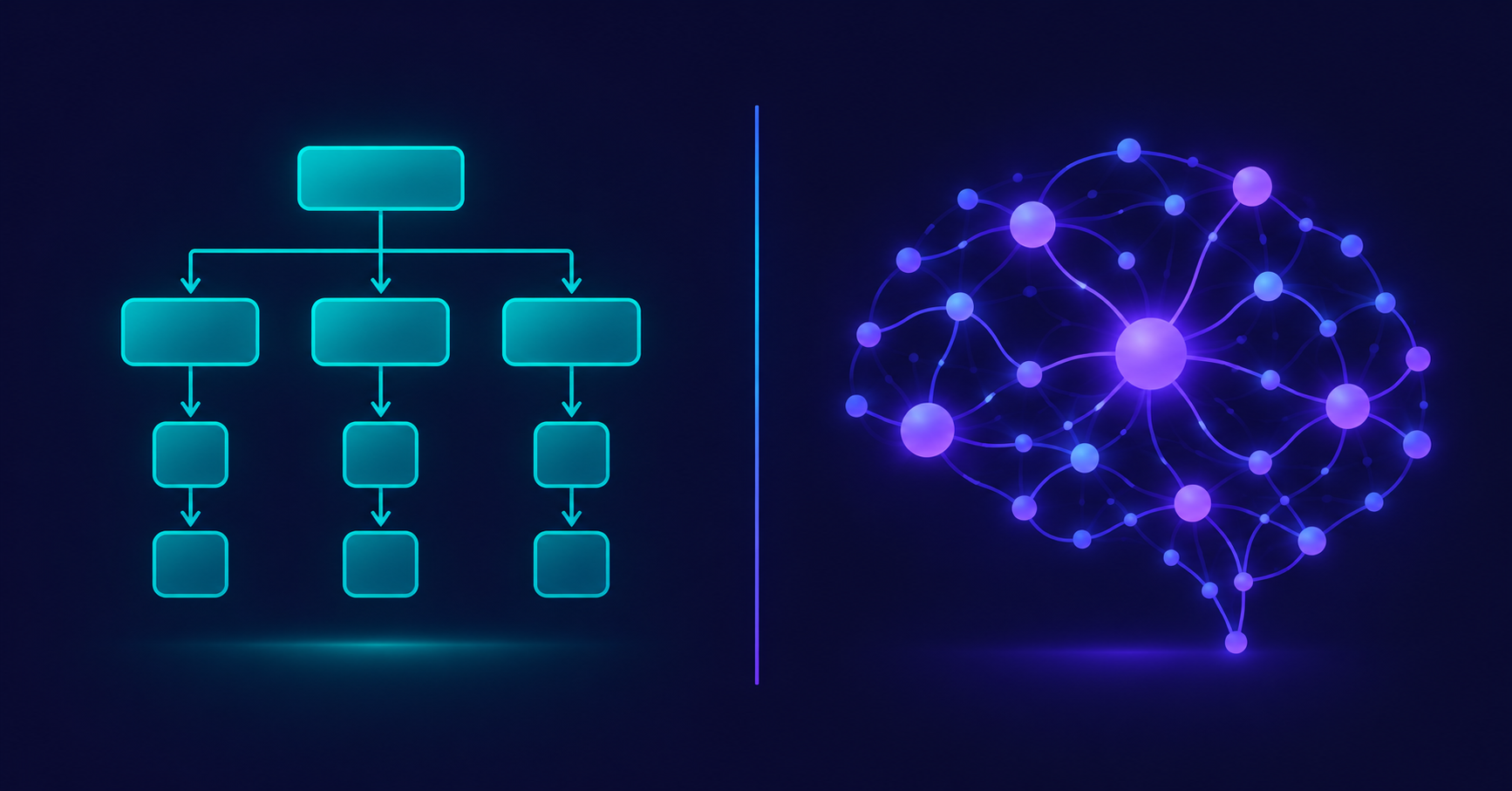
Traditional software is built on fixed logic. A developer writes explicit instructions for every scenario: if the user clicks this button, do that specific thing. Every outcome has to be anticipated and coded in advance. This is why older software can feel rigid — if you try to do something the developer didn't plan for, it simply doesn't work, or throws an error.
AI tools are built differently. Instead of hand-coding every possible outcome, developers train a model on massive amounts of data, letting it learn patterns on its own. The result is a system that can handle situations nobody explicitly programmed for, because it's generating a response based on learned patterns rather than following a fixed script.
How they handle input
With traditional software, input has to be precise. Type a formula wrong in a spreadsheet, and it throws an error instead of guessing what you meant. Click the wrong menu option, and the software does exactly what that option says — nothing more, nothing less.
AI tools can handle messy, conversational, incomplete input and still produce something useful. You can type "shorten this" without specifying by how much, and the tool will make a reasonable judgment call. This flexibility is a major part of why AI tools feel less like operating software and more like communicating with something that understands intent.
How they improve
Traditional software only gets better when a developer manually writes and ships an update. Nothing changes on its own — every new feature, every bug fix, is the direct result of human effort, released in versions (v1.0, v2.0, and so on).
AI tools can improve as their underlying models are retrained on more data, sometimes without you changing anything or installing an update. A tool might simply respond better today than it did six months ago, because the company behind it refined the model in the background.
How predictable they are
This is probably the biggest practical difference. Traditional software is deterministic — the same input produces the same output, every single time, with no exceptions. A calculator will always give you the same answer for 2+2.
AI tools are probabilistic — they generate the most likely good response based on patterns, which means the same prompt can sometimes produce slightly different answers, and occasionally an inaccurate one. This isn't a malfunction; it's simply how these systems are designed to work. It means AI tools are incredibly flexible, but also means you should treat their output as a strong starting point rather than a guaranteed-correct final answer.
Why this matters for how you use each one
Once you understand this distinction, it changes how you approach each type of tool. With traditional software, you learn its exact rules once, and it behaves consistently forever — the skill is memorizing where things are and how to use the interface correctly.
With AI tools, the skill shifts toward communication. Giving clear context, being specific about what you want, and reviewing the output before relying on it matters more than memorizing exact commands. You're not just operating a tool; you're, in a sense, directing one.
Neither approach is better across the board — they're suited to different kinds of problems. Traditional software is ideal when you need guaranteed, repeatable precision (accounting, scheduling, anything with zero room for variation). AI tools shine when the task benefits from flexibility, language understanding, or creative generation — writing, brainstorming, summarizing, generating images — situations where a slightly different but still useful answer each time isn't just acceptable, it's often an advantage.
Understanding which category a task falls into is often the real skill in choosing the right tool for the job — not just knowing that "AI" exists, but knowing when it's actually the better fit.
More Articles
View all
The Best Free AI Tools You're Probably Not Using Yet
Beyond the obvious ChatGPT and Canva, there are some genuinely useful free AI tools that fly under the radar. Here are a few worth trying.
Free vs. Paid AI Tools: When Is It Worth Upgrading?
Free AI tools can take you far, but at some point upgrading starts to make sense. Here's how to know when that point actually is.
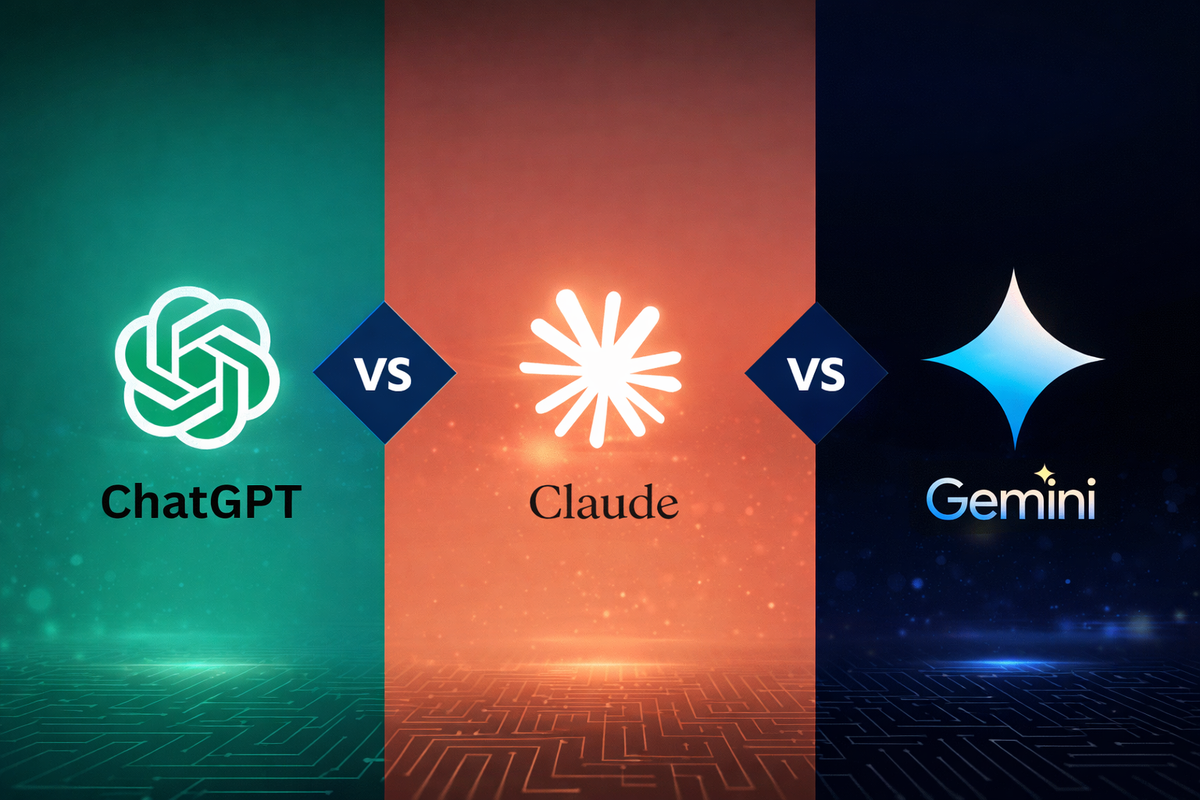
AI Writing Tools: ChatGPT vs. Claude vs. Gemini (Quick Comparison)
ChatGPT, Claude, and Gemini are the three most talked-about AI writing assistants. Here's a quick, practical comparison to help you pick one.

The Beginner's Guide to AI Writing Assistants
AI writing assistants can help with everything from emails to essays. Here's a simple guide to what they actually do and how to start using one well.
5 Signs You're Overpaying for AI Tools You Don't Need
AI tool subscriptions add up fast. Here are 5 signs it's time to audit your stack and cut what you're not actually using.
What Does "AI Tool" Actually Mean? A Simple Breakdown
"AI tool" gets thrown around a lot, but what does it actually mean? Here's a simple, no-jargon explanation of what makes a tool "AI," how it's different from regular software, and what that difference actually means for you.