
5 Signs You're Overpaying for AI Tools You Don't Need
It's easy to accumulate AI tool subscriptions one at a time — a free trial here, a "just this month" upgrade there — until suddenly you're paying for five or six tools and barely remember what half of them do. Here are five signs it's time for an honest audit.
1. You can't remember the last time you opened it
If you have to stop and think about when you last logged into a tool, that's usually a clear signal. Subscriptions are easy to forget about precisely because they renew automatically in the background — out of sight, out of mind, still charging your card every month.
2. You're paying for a Pro plan but using Free-tier features
This happens more often than people realize. You upgrade for one specific feature, use it once or twice, then quietly drift back to the basic features you could've gotten on the free plan all along. If you genuinely can't name what the paid tier gives you that you're actively using, it's worth downgrading.
3. You have two or more tools that do the same thing
Tool overlap creeps in gradually — you try a new AI writing assistant because it looked interesting, but never actually cancelled the one you were already using. Now you're paying twice for essentially the same function. A quick audit of your subscriptions by category (writing, image, video, etc.) often reveals more duplication than you'd expect.
4. You subscribed for a single project that's now finished
Some tools make sense for a specific deadline or project — a video editor for one campaign, a design tool for a one-off brand refresh. But if the project wrapped up weeks or months ago and the subscription is still running, that's money spent on momentum that no longer exists.
5. You chose the annual plan "to save money" but aren't using it enough to break even
Annual plans look appealing because of the discount, but they only actually save you money if you use the tool consistently enough to justify the full year. If you're paying annually for something you touch once a month, the monthly plan — or no plan at all — would likely cost less overall.
What to do about it
Set a recurring reminder, maybe once a month, to quickly scan your active subscriptions. For each one, ask honestly: did I use this in the last 30 days? Would I notice if it disappeared tomorrow? If the answer is no to both, it's a strong candidate to cancel or downgrade.
This doesn't mean avoiding paid AI tools altogether — many are genuinely worth it when they solve a real, recurring problem. The goal isn't to pay for nothing; it's to make sure every subscription you're paying for is one you're actually getting value from, not one running quietly in the background out of habit.
More Articles
View all
The Best Free AI Tools You're Probably Not Using Yet
Beyond the obvious ChatGPT and Canva, there are some genuinely useful free AI tools that fly under the radar. Here are a few worth trying.
Free vs. Paid AI Tools: When Is It Worth Upgrading?
Free AI tools can take you far, but at some point upgrading starts to make sense. Here's how to know when that point actually is.
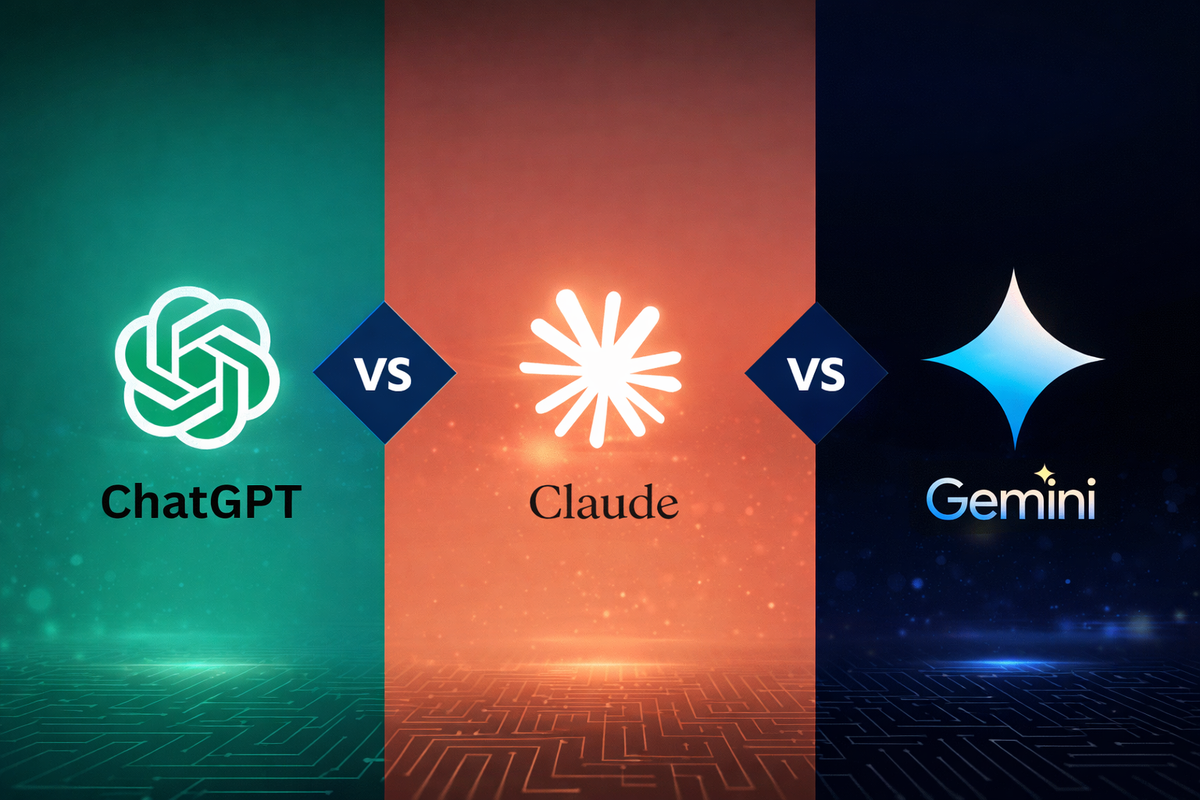
AI Writing Tools: ChatGPT vs. Claude vs. Gemini (Quick Comparison)
ChatGPT, Claude, and Gemini are the three most talked-about AI writing assistants. Here's a quick, practical comparison to help you pick one.
The Beginner's Guide to AI Writing Assistants
AI writing assistants can help with everything from emails to essays. Here's a simple guide to what they actually do and how to start using one well.
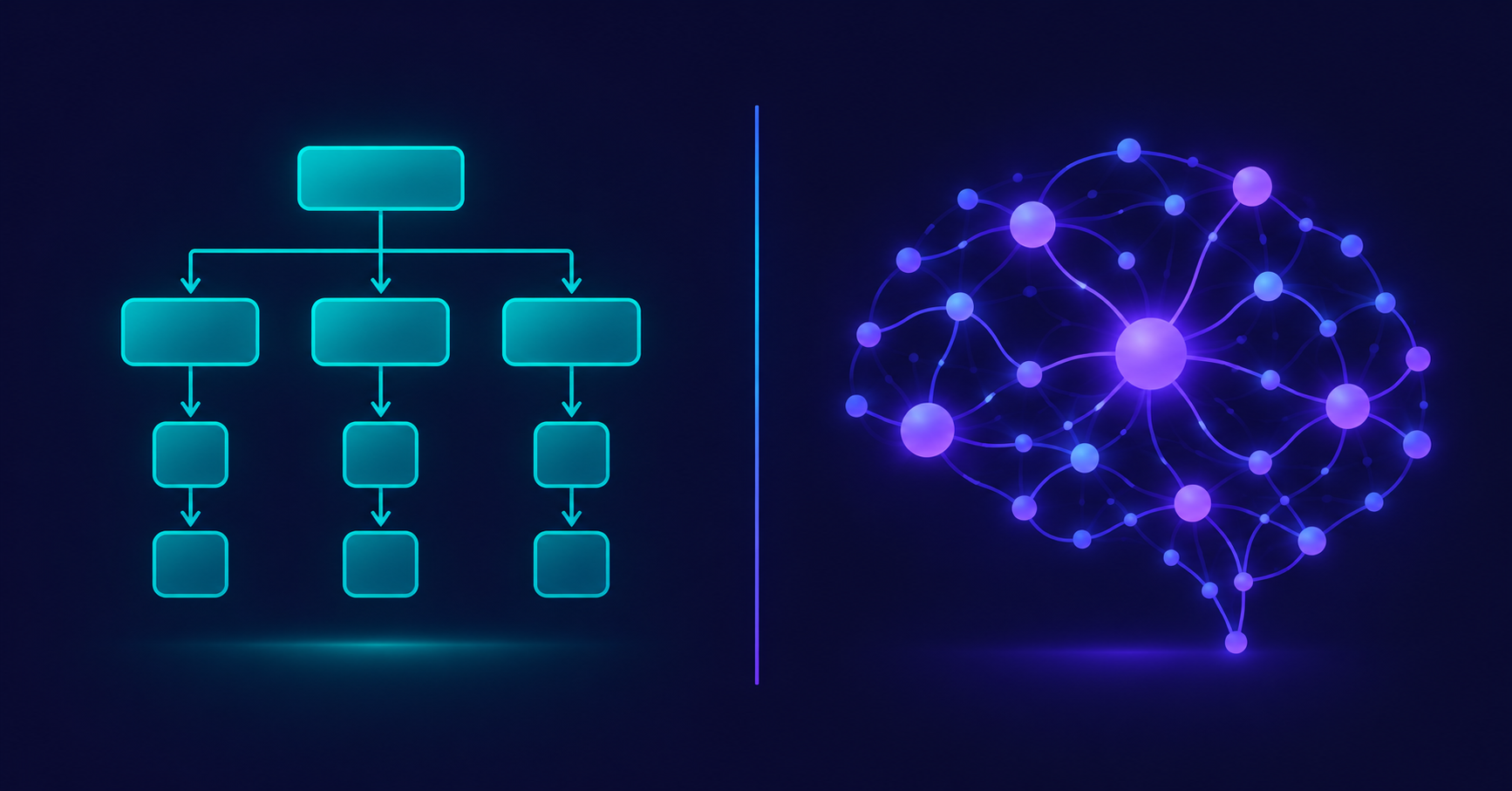
AI Tools vs. Traditional Software: What's Actually Different?
AI tools and traditional software both run on your screen, but they work in fundamentally different ways. Here's a clear comparison to help it finally click.

What Does "AI Tool" Actually Mean? A Simple Breakdown
"AI tool" gets thrown around a lot, but what does it actually mean? Here's a simple, no-jargon explanation of what makes a tool "AI," how it's different from regular software, and what that difference actually means for you.