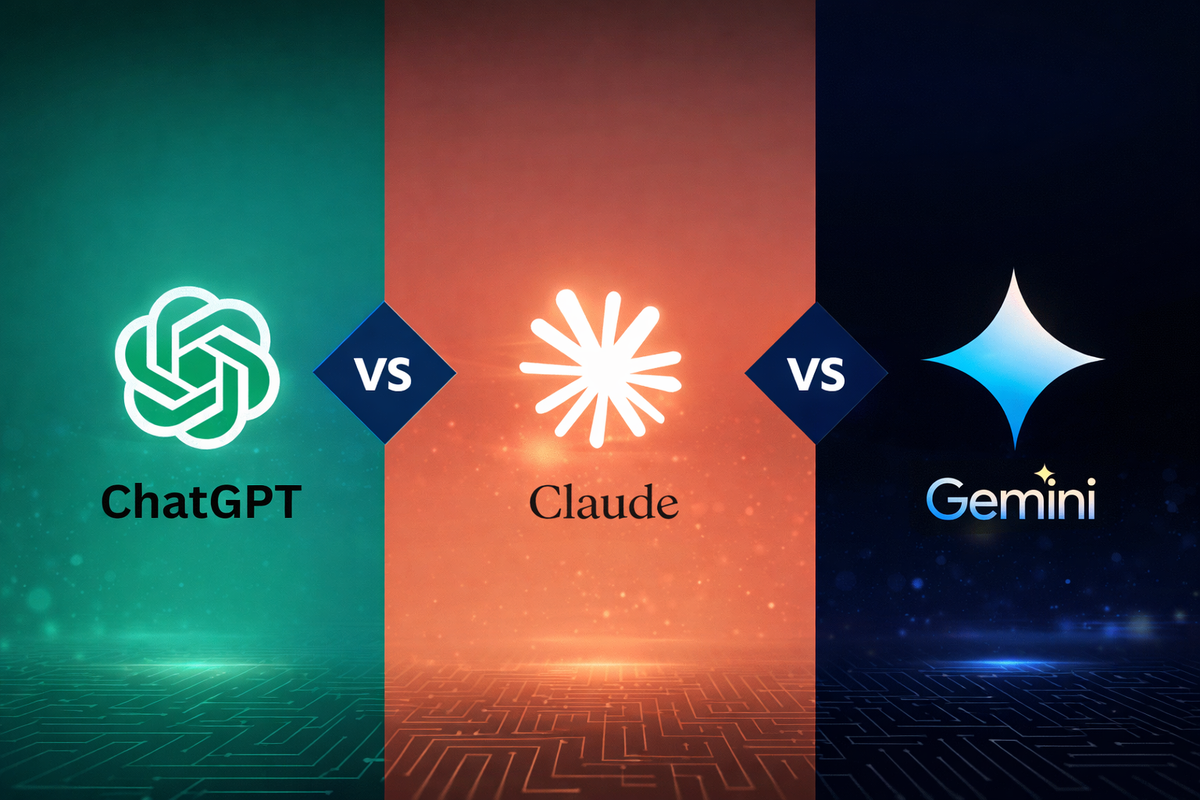
AI Writing Tools: ChatGPT vs. Claude vs. Gemini (Quick Comparison)
If you've been trying to decide between ChatGPT, Claude, and Gemini, you're not alone — these are the three most commonly recommended AI writing assistants, and they each have genuine strengths. Here's a quick, practical breakdown to help you choose.
ChatGPT (by OpenAI)
ChatGPT is the most widely used and widely integrated of the three. It handles a broad range of writing tasks well — emails, essays, scripts, social captions — and has a large ecosystem of plugins, browser extensions, and third-party integrations built around it. If you want the tool with the most community resources, tutorials, and general familiarity, ChatGPT is usually the safest starting point.
Best for: general-purpose writing, broad task flexibility, and users who want the most widely supported option.
Claude (by Anthropic)
Claude is known for producing careful, detailed, and well-structured responses, and for handling long documents particularly well — it can read and work with lengthy files directly, making it a strong choice for summarizing reports, reviewing long drafts, or working through detailed research. Many users find its writing style feels a bit more natural and less repetitive over long conversations.
Best for: long-document work, detailed writing tasks, and users who want more careful, nuanced output.
Gemini (by Google)
Gemini's biggest advantage is its tight integration with Google's own ecosystem — Docs, Gmail, Sheets — making it convenient if you already live inside Google Workspace. It can pull in real-time information more readily than some competitors, which can be useful for writing tasks that need current context.
Best for: users already working inside Google Docs/Gmail, and tasks that benefit from up-to-date information.
So which one should you actually use?
Honestly, there's no single universal winner — it depends on your workflow. If you want the most broadly supported, familiar option, start with ChatGPT. If you regularly work with long documents or want more careful, detailed writing, Claude is worth trying. If you're already deep in the Google ecosystem and want writing help without switching apps, Gemini is the most convenient.
A practical approach many people land on: try the free tier of two of these for a week each, using them for your actual real writing tasks (not just casual testing), and see which one's output you find yourself editing the least. That's usually a better signal than any feature comparison — the best AI writing tool is the one that fits how you actually work.
More Articles
View all
The Best Free AI Tools You're Probably Not Using Yet
Beyond the obvious ChatGPT and Canva, there are some genuinely useful free AI tools that fly under the radar. Here are a few worth trying.

Free vs. Paid AI Tools: When Is It Worth Upgrading?
Free AI tools can take you far, but at some point upgrading starts to make sense. Here's how to know when that point actually is.

The Beginner's Guide to AI Writing Assistants
AI writing assistants can help with everything from emails to essays. Here's a simple guide to what they actually do and how to start using one well.

5 Signs You're Overpaying for AI Tools You Don't Need
AI tool subscriptions add up fast. Here are 5 signs it's time to audit your stack and cut what you're not actually using.
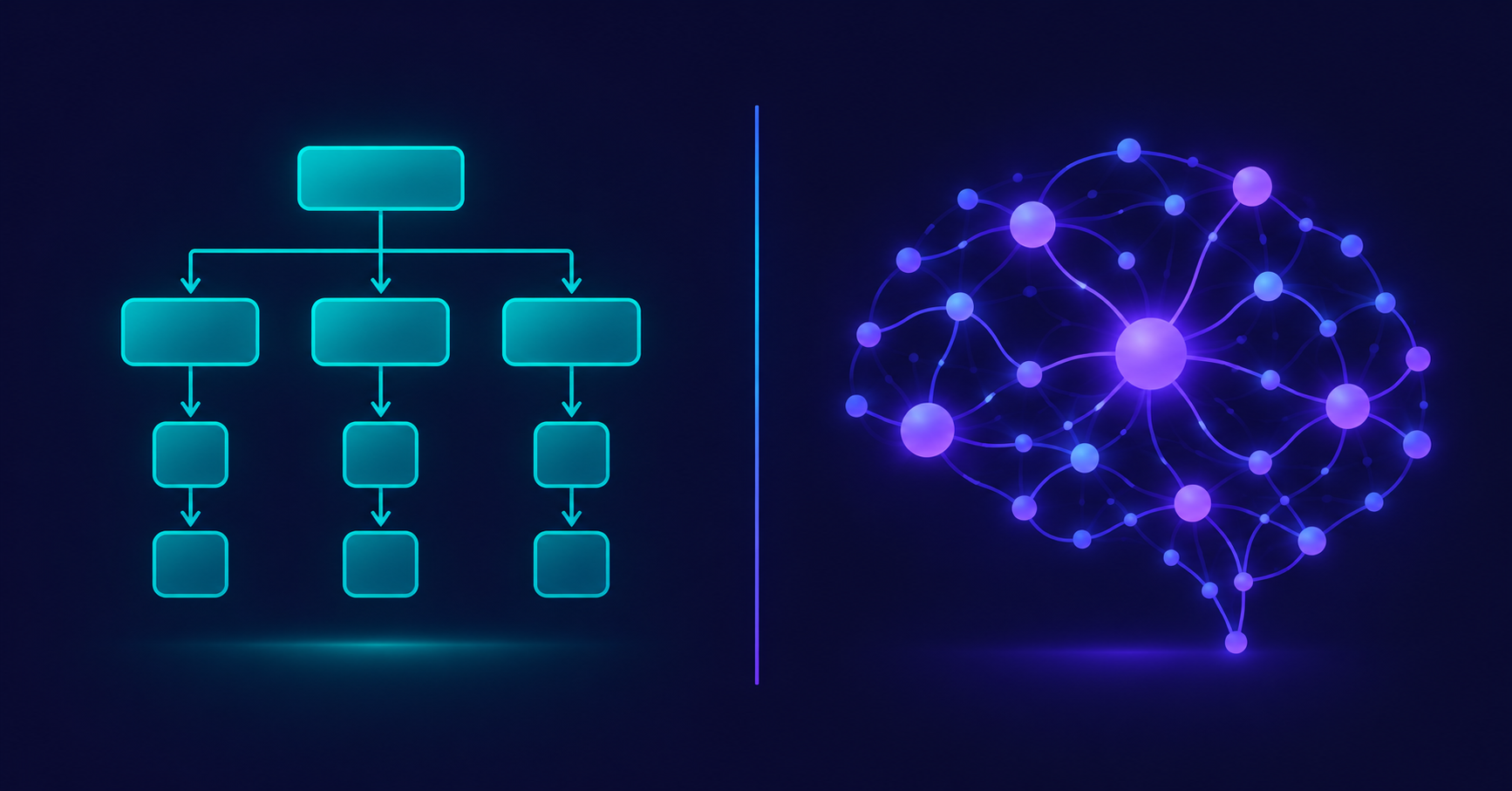
AI Tools vs. Traditional Software: What's Actually Different?
AI tools and traditional software both run on your screen, but they work in fundamentally different ways. Here's a clear comparison to help it finally click.

What Does "AI Tool" Actually Mean? A Simple Breakdown
"AI tool" gets thrown around a lot, but what does it actually mean? Here's a simple, no-jargon explanation of what makes a tool "AI," how it's different from regular software, and what that difference actually means for you.